GeeLuv's Palace
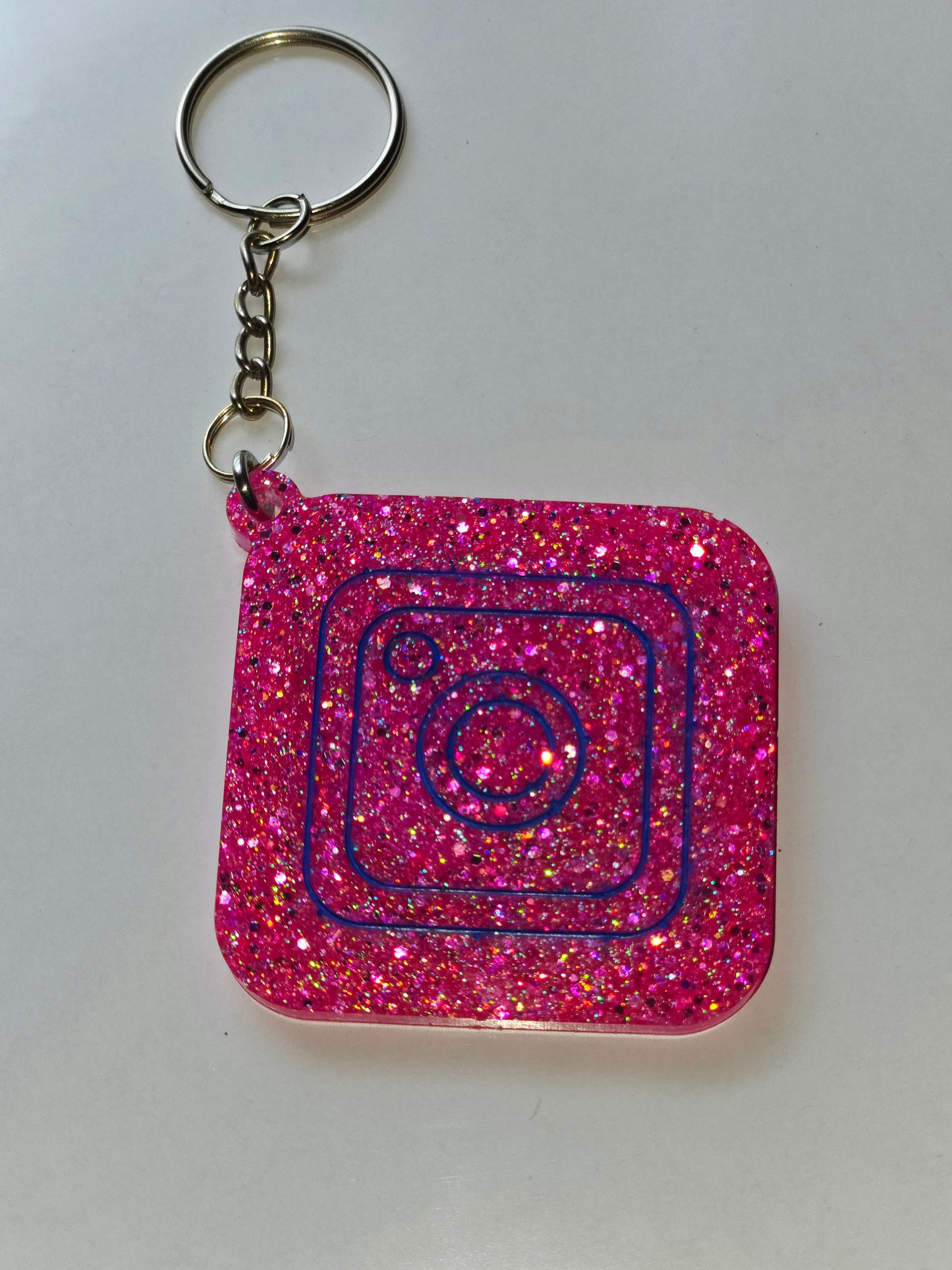
Power Charm NFC Keychain (Tap to Share Instantly)
Power Charm NFC Keychain (Tap to Share Instantly)
Couldn't load pickup availability
Tap. Connect. Be remembered instantly.
Turn every introduction into a connection.
With your Power Charm NFC Keychain, anyone can tap their phone and instantly access your Instagram, business, or links—no typing, no searching.
Perfect for:
- Entrepreneurs
- Content creators
- Vendors
- Anyone who wants to stand out
⚡ WHY YOU NEED IT
- Instantly share your info with one tap
- No apps required
- Works with iPhone & Android
- Makes networking effortless
- Customizable with your logo or photo
🛠 HOW IT WORKS
- Choose your shape and color
- Add your link (Instagram, website, etc.)
- Upload photo/logo for customization (optional)
- Tap your charm to any phone to connect instantly
🎨 CUSTOMIZATION
Want to make it yours?
Add your name, logo, or photo for an additional $5.
Just select customization and upload your image before checkout.
⚠️ IMPORTANT
Each Power Charm holds one link.
For multiple links, use Linktree or a digital business card.
📱 SETUP & FAQ
Does my phone need a special app to read the charm?
No app is needed. On iPhone (iPhone 7 and later running iOS 14+), NFC scanning is built in — just hold the top of your phone near the charm and a notification will appear. On Android, make sure NFC is enabled in your Settings, then tap the charm with the back of your phone. A browser or prompt will open automatically.
What if my phone doesn't open anything when I tap?
iPhone: Make sure you're holding the very top edge of the phone to the charm, not the center. NFC reads from the top antenna on most iPhone models. Android: Go to Settings > Connected Devices (or Connections) > NFC and make sure it's toggled on.
Can I change the link after I receive my charm?
Yes — the link stored on your Power Charm can be updated at any time. If your link was set up through a dynamic NFC platform or redirect service, simply log in to that platform and update the destination URL. The physical charm itself does not need to be replaced. If your charm was programmed with a direct static link, you would need an NFC-writing app (such as NFC Tools, available free on iOS and Android) to overwrite it. Note that overwriting a static tag is permanent — whatever link you write replaces the previous one.
How do I overwrite the link on my charm?
Download a free NFC writing app (NFC Tools is a popular option for both iPhone and Android). Open the app, select Write, then add a URL record with your new link. Hold your phone to the charm until the write is confirmed. Test it by tapping with a second phone before sharing with others.
What kind of information is safe to share?
Your Power Charm is designed to share public-facing links — things like your Instagram profile, a Linktree page, a website, a portfolio, or a digital business card URL. These are all great uses. Share only what you would hand out on a printed business card.
What should I NOT store on my charm?
Do not store passwords, PINs, bank account details, home addresses, government ID numbers, or any other sensitive personal or financial information on your NFC charm. NFC tags can be read by any NFC-enabled phone held nearby — only store links you are comfortable with anyone seeing.
Is my information private?
The charm stores a single link, nothing else. Your personal data is not stored on the charm itself — only the URL you chose. Keep in mind that anyone who taps your charm will be directed to that link, so make sure your destination page is set to public if you want it accessible to others.
Share